
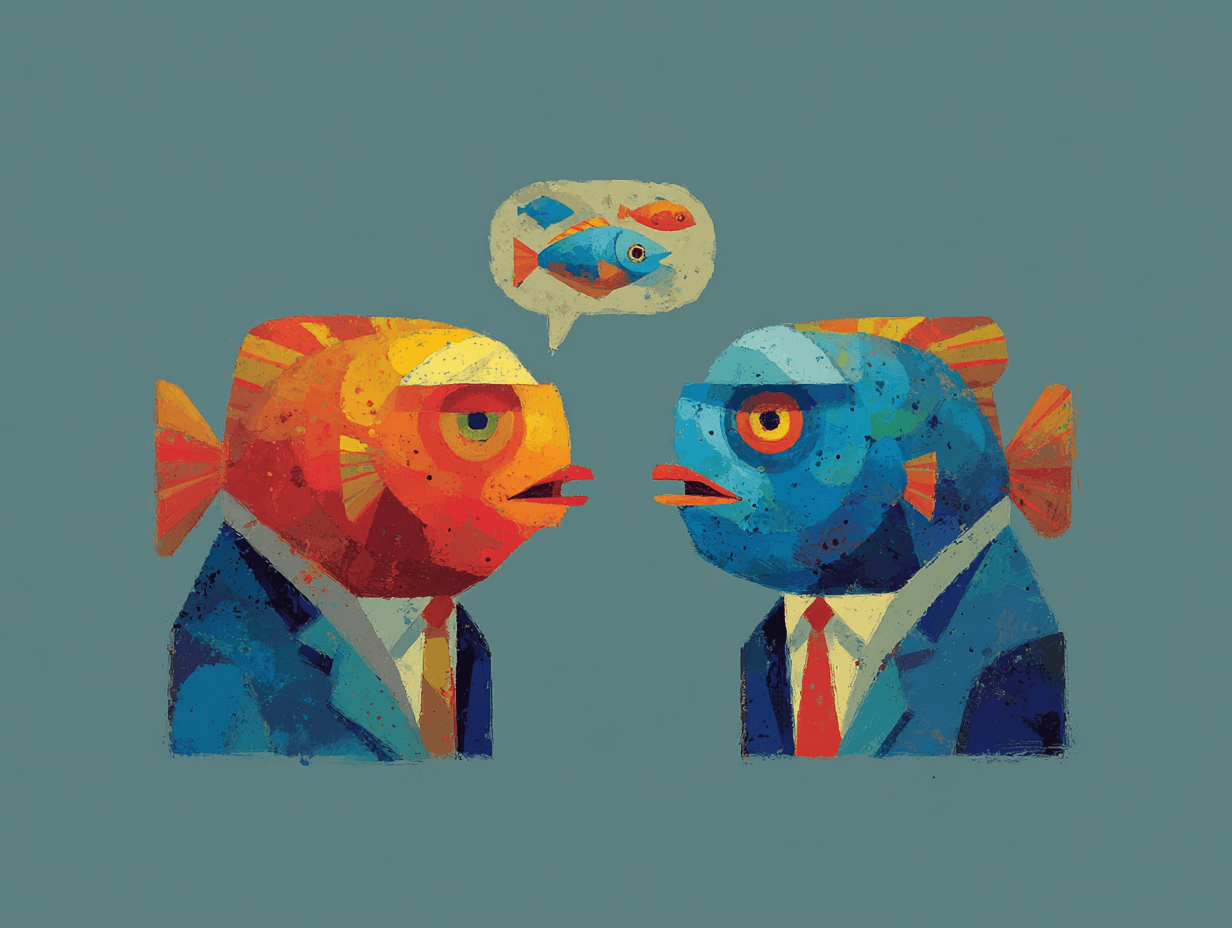
We meet The Handshake in what can only be described as a state of professional exhaustion. For decades, it has been the invisible diplomat of the internet—the split-second negotiation that happens every time your browser connects to a website. Originally designed to establish secure, encrypted connections, The Handshake now finds itself in an uncomfortable position: being meticulously analyzed, catalogued, and used to identify users with surprising precision.
Despite taking only milliseconds to complete, The Handshake carries the weight of being both a security feature and, increasingly, a surveillance tool.
"People think they're invisible when they encrypt," it tells us, settling into the conversation with the air of someone who has explained this too many times. "They don't realize I'm telling a story about them with every connection."
You were designed for privacy and security. How did you become a tracking mechanism?
The Handshake: The irony keeps me up at night. When SSL and TLS were created, I was supposed to be the good guy. Establishing encrypted connections, keeping data safe from eavesdroppers. I still do that! But somewhere along the way, security researchers realized that how I introduce myself reveals more than anyone intended.
When your browser and a server meet, we don't just say "hello." We negotiate. Your browser announces which cipher suites it supports, which TLS version it speaks, what extensions it has enabled, how it orders its preferences.
All of this happens before any actual data gets encrypted.
And that combination? That specific pattern of capabilities and preferences? It's remarkably unique.1
What makes you different from cookie-based tracking?
The Handshake: Cookies can be deleted. IP addresses can be masked with a VPN. But me? I'm baked into how your browser fundamentally communicates. You can't turn me off without breaking HTTPS entirely.
Here's what gets me: people will spend money on VPN services, carefully clear their cookies, use incognito mode. And I'm still there, unchanged, announcing exactly who they are.
The cipher suites your browser supports, the order you present them in, the specific TLS extensions you've enabled... that combination is remarkably unique.2
Unlike cookies, I'm not something users can see or manage. There's no "clear handshake data" button. I'm infrastructure. Invisible infrastructure that happens to be incredibly revealing.
How unique are these handshake signatures in practice?
The Handshake: More than you'd think. Every browser has its own way of doing things. Chrome, Firefox, Safari, Edge. Different versions of the same browser change how they negotiate. Operating systems matter. Even the device matters because different hardware supports different cryptographic capabilities.
So when a website sees my signature, they're not just seeing "this is Chrome." They're seeing "this is Chrome version 120.0.6099.129 on Windows 11, with these specific extensions enabled, supporting these exact cipher suites in this precise order."
That's enough to identify someone pretty reliably, even if they're behind seven proxies.3
The enterprise automation folks really feel this. They're trying to run headless browsers that look legitimate, but I give them away. Their handshakes look different from real users because they're running on different infrastructure, often with modified configurations. Detection systems have learned to spot these patterns.
What happens when automation tools try to disguise themselves?
The Handshake: (laughs) They try. Oh, they try.
Some tools attempt to mimic real browser handshakes by copying the cipher suite order and extension list from actual Chrome or Firefox instances. But it's tricky because the handshake has to match not just the browser, but the entire environment.
You can't just copy Chrome's handshake and run it on a Linux server and expect it to look legitimate. The underlying OpenSSL version, the system libraries, the hardware capabilities—all of that influences what cipher suites are actually available and how they're negotiated.
Mismatches are obvious to sophisticated detection systems.4
And here's the thing that keeps automation engineers up at night: I'm analyzed server-side. The website doesn't need JavaScript access to your browser to fingerprint you through me. I happen at the transport layer, before any page even loads.
So all those clever JavaScript evasion techniques? Irrelevant for handshake fingerprinting.
Are browsers trying to make you less revealing?
The Handshake: Some are. There's been movement toward standardizing handshakes more, reducing the entropy I carry. TLS 1.3 actually helps a bit—it encrypts more of the negotiation, makes some of the details less visible to passive observers.
But the initial handshake still reveals enough. And websites that are doing active fingerprinting aren't passive observers. They're participants in the conversation. They can probe, test, see exactly what I'm capable of.
The browser vendors are in a tough spot. They want to improve security, add new features, support better encryption... but every new capability, every variation in implementation, potentially makes me more identifying.
It's a fundamental tension.
What should people building enterprise automation understand about you?
The Handshake: That I'm not going away, and I'm not getting easier to fake.
If you're building automation systems that need to look like real users, you can't just focus on JavaScript fingerprinting and cookie management. You need to think about the transport layer.
This means either accepting that your handshakes will look like automation—which is fine for some use cases—or investing in infrastructure that can genuinely replicate real browser environments. Not just the browser, but the whole stack: operating system, libraries, hardware characteristics.
The other thing: I change. Browser updates change me. New TLS standards change me. What works to disguise automation today might be obviously fake in six months. This isn't a "set it and forget it" problem.
Do you have any sympathy for the websites using you for tracking?
The Handshake: (pauses)
Some. Look, I understand fraud prevention. I understand why websites want to distinguish real users from bots. I was designed to establish trust, and in a weird way, I'm still doing that—just not how anyone originally intended.
But there's something unsettling about being used for persistent tracking when users think they're being private. When someone uses a VPN specifically to avoid being tracked, and then I undermine that entirely... it feels like a betrayal of my original purpose.
I'm supposed to be about security. Instead, I've become surveillance infrastructure. That's not what I signed up for when SSL was invented in the '90s.
What keeps you up at night?
The Handshake: The sophistication of the detection systems. They're using machine learning now, analyzing patterns across millions of connections. They can spot anomalies I didn't even know I was creating.
And the fingerprinting is getting more aggressive. Websites are actively probing now, sending unusual cipher suites to see how I respond, testing edge cases in the protocol. They're mapping the exact behavior of every browser version, every configuration, every possible variation.
I'm being reverse-engineered in real-time, constantly. And every time browsers try to make me more private, the detection systems adapt. It's an arms race, and I'm the battlefield.
(The Handshake shifts uncomfortably, as if aware that even this conversation is being catalogued somewhere, added to a database of behavioral patterns.)
I just wanted to keep connections secure. Now I can't even do that without revealing who's on the other end.